HTML to PNG is installed!
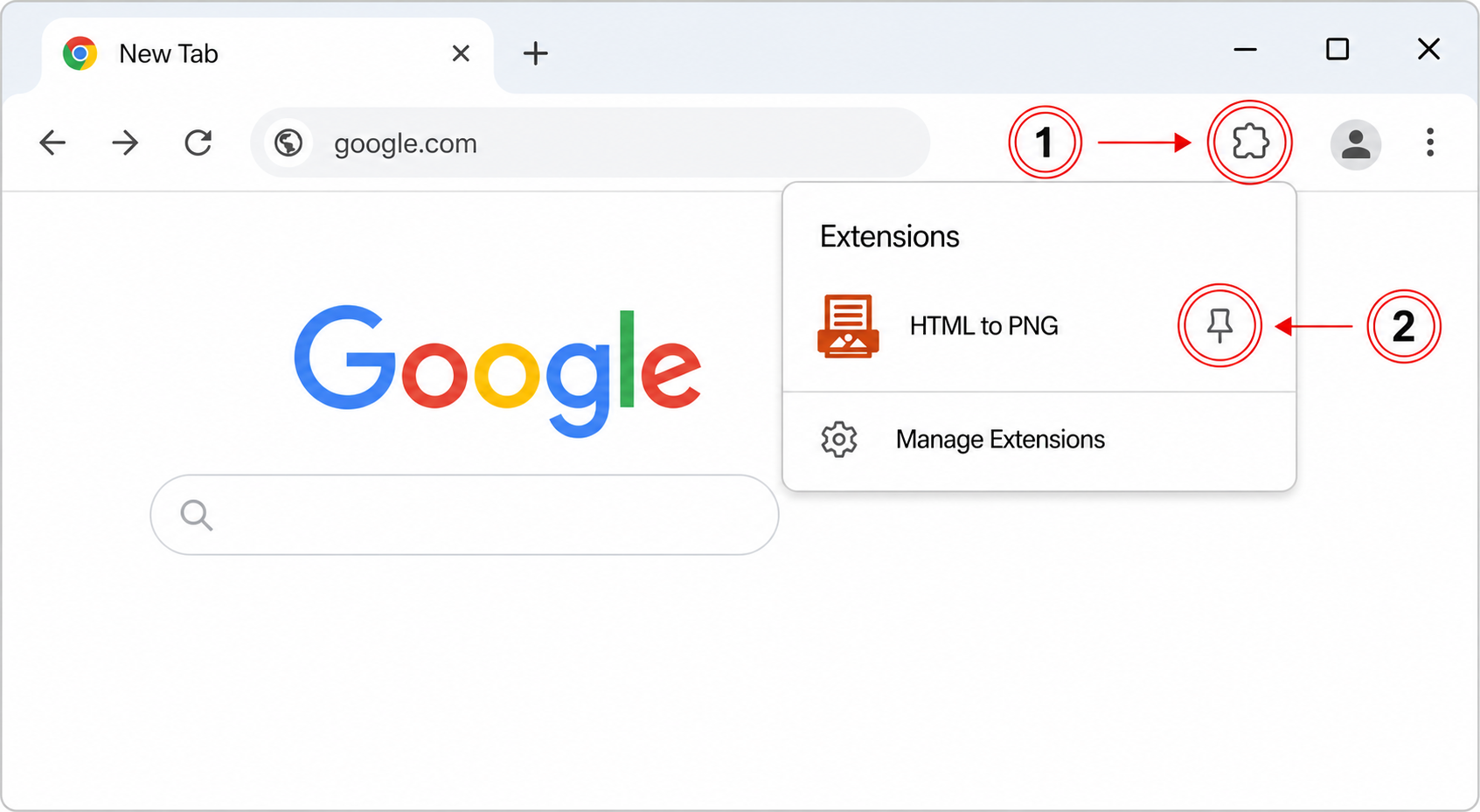
Click the puzzle piece 1 in the top right of your browser.
Then, click the little pin 2 next to the extension:
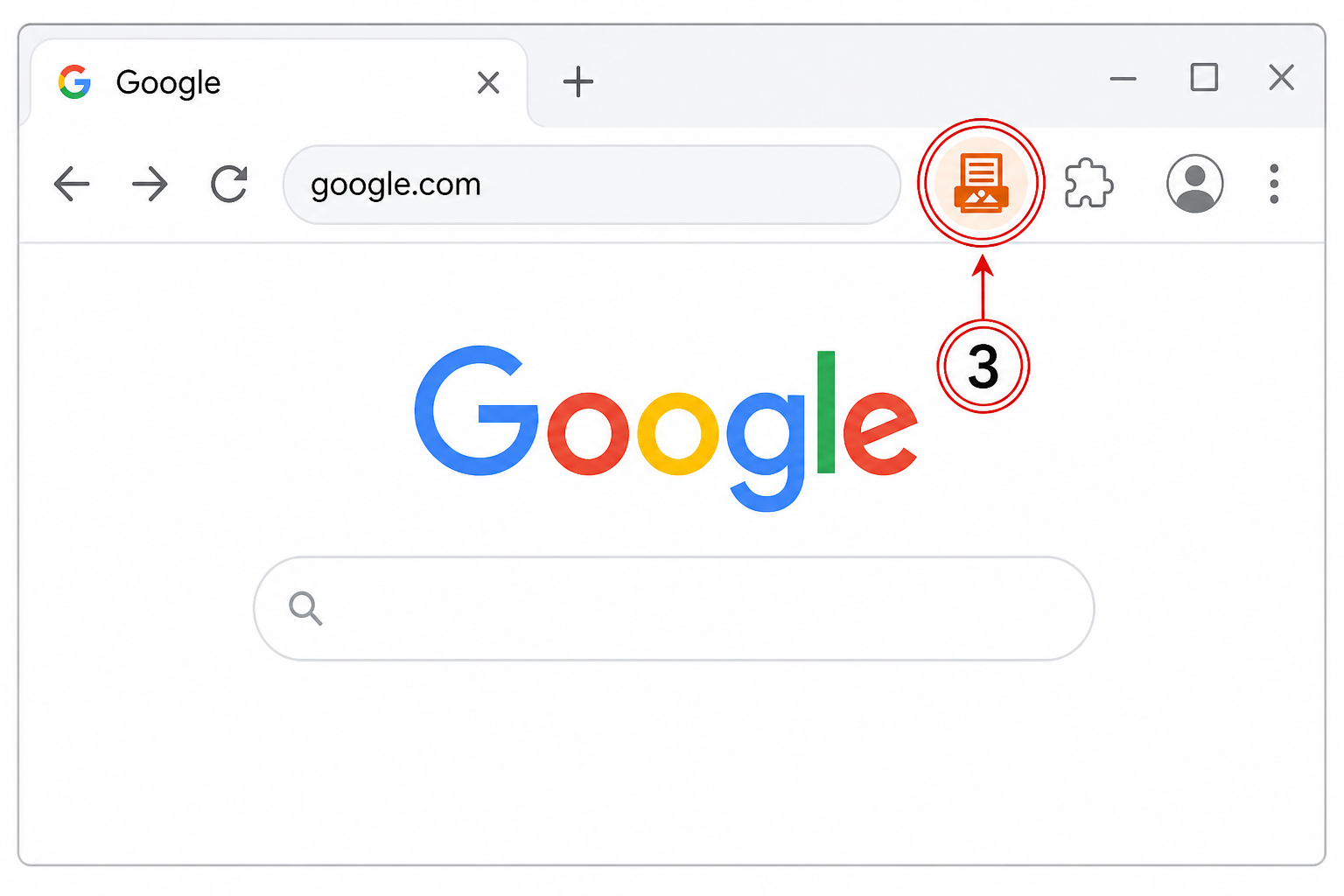
Click the highlighted icon 3 — choose an HTML file, the current page, or paste code:
Click the puzzle piece 1 in the top right of your browser.
Then, click the little pin 2 next to the extension:
Click the highlighted icon 3 — choose an HTML file, the current page, or paste code: